Avatars & Collectibles, Notifications, Responsible Gaming and more! - September 23rd
⭐ Highlights
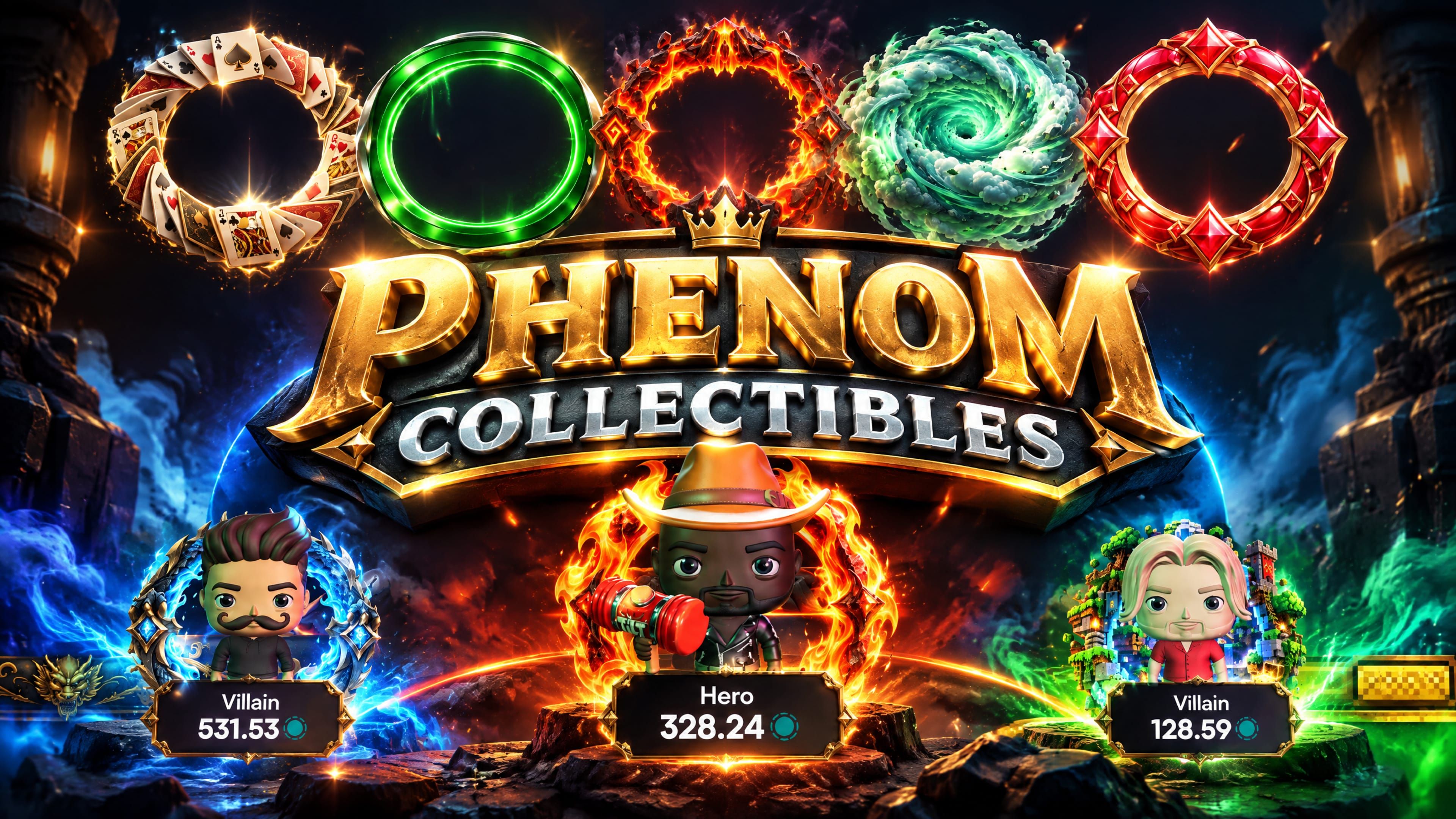
Avatars & Collectibles — Build a 3D character that follows you to every seat, lobby and leaderboard. Earn frames, table felts and card designs, then wear them at the table. Some items let you pick your own colours, and they stay that way.
Wallet and settings, one place — Everything now lives in a single modal with its own navigation.
Notifications — Get alerts by email, push or Telegram when your favourite tables start, it's your turn, or a tournament is about to begin.
Responsible gaming tools — buy-in limits, loss limits and taking a break — open directly from Gameplay tab in the updated Settings modal.
👽 Avatars & Collectibles

We’ve retired Avaturn and created our own 3D Avatar System. Click on your Avatar (or default starting phenom logo) to access your avatar and the collectible inventory.
Your avatar is now a 3D figure you dress yourself — pick skin, hair and eye colours, then fill the slots for head, face, hair, beard, body, hands and back
Changes to clothing preview on the figure straight away, and Save Avatar locks them in as your picture everywhere in the game
Frames — the ring around your picture — follow you to table seats, the lobby, your friends list, leaderboards and saved hand images
Click your Hero Avatar to pop up a radial menu where you can send equipped animated emoji; each one has a cooldown, and rarer emojis come back faster. Equip Emoji from the customize avatar page.
A collectibles inventory on the avatar page, sorted so new items, then your rarest, come first
Search it, or filter by rarity, type, what you have duplicates of, and what you already have equipped
Table cosmetics apply the moment you click them — felt, background, card fronts, card backs and jokers — no save needed
Items that support it can be recoloured, one colour per part; your choices are remembered per item, so taking something off and putting it back keeps its colours
Earn chests by levelling up your tier and via Achievements and Daily Quests (coming soon)
Coming Soon: Earn chests by completing Achievements and Daily Quests. Trade collectibles on the Marketplace. New items added every few weeks.
Read More: https://phenompoker.com/blog/your-phenom-collected/
✈️ Wallet & Settings, Together

Wallet and settings now open the same window, with one sidebar covering both
Settings are grouped into Gameplay (bet sizing, hand insights, automation, table controls and keyboard shortcuts) and Appearance (your table cosmetics)
Every section has its own link — bookmark it, refresh it, or use the browser back button
Collapse the sidebar to an icon rail; it reopens the way you left it, even after a reload
Switches move the instant you click them and save in the background; if a save fails the switch returns to its real value and tells you
Sound splits into master volume and per-group levels, each with a mute that remembers your previous level and a preview button
Personal shows your profile and your trophies; Security groups privacy mode, two-factor, passkeys and your recent logins
Responsible gaming tools — buy-in limits, loss limits and taking a break — open directly from Gameplay
🔔 Notifications

A new Notifications tab in Settings lets you choose which alerts you get and where they arrive: email, push or Telegram
Telegram — link your account in a couple of taps and get alerts as messages from the Phenom bot
Push notifications work in your browser, the installed mobile app and the desktop client. Tap one to go straight to the table or tournament
Favourite tables — get an alert when a table you've starred gets its first player or starts dealing
Your turn to act — a push alert when it's your turn at a cash table and you're looking elsewhere
Your table needs you — a reminder when you're sitting out and your return would let play start
Tournament alerts — a heads-up 15 minutes before a tournament you're registered for starts, and before late registration closes on a tournament with an overlay
Narrow overlay alerts down to the variants and buy-ins you play
Pause alerts for 1, 4 or 8 hours or until tomorrow, or set daily Quiet Hours
On the installed mobile app, a one-tap prompt helps you switch push notifications on
🔦 Spotlight Tours

New features now explain themselves in place — the screen dims, one thing is highlighted, and a short note tells you what it does
Next and Back walk you through, even when the next stop is on another screen
Closing a tour with the X means you never see that one again; there is no box to tick
Prefer none at all? Hide spotlight tours in Settings › Gameplay switches off every one
🛡️ Responsible Gaming
Find the Responsible Gaming section on the Gaming panel in the Settings modal, where you can use three tools to stay in control, all enforced on every table and tournament
Buy-in limit — cap any single buy-in, top-up, rebuy or tournament entry. Lowering it works instantly; raising or removing it waits 24 hours
Loss limit — set how much you're prepared to lose per day, week or month, and how long to cool off once you reach it. You're warned at 90%
When a limit is reached you can finish the hand or tournament you're in — you just can't start anything new until it resets
Self-exclusion — step away for anything from 1 day to 1 year. You can change your mind within 24 hours; after that it holds, though your balance stays withdrawable
Your limits follow you to every device, and the buy-in window tells you up front when a table's minimum is above your cap
🎁 Coming Soon — Chests
Chests are on the way: a loot box you open to reveal random collectibles
You will earn them by completing Achievements and Daily Quests or by upgrading duplicates — ten of the same item becomes one chest a rarity higher
Some items will upgrade in kind instead, into the same item one rarity up: ten Fire Emoji becomes a single, rarer Fire Emoji
Worth chasing on emojis especially, because the rarer the emoji, the faster its cooldown at the table
You will always be shown exactly what you are giving up and exactly what you get before anything is traded
We are considering allowing Chests to have a chance of rewarding Tournament Tickets, T$, CHIP or even PHNM.